Make Money with AI-Powered Invoice Automation
From Invoice Chaos to Smooth Automation: How to Build AI Systems That Survive Day 2
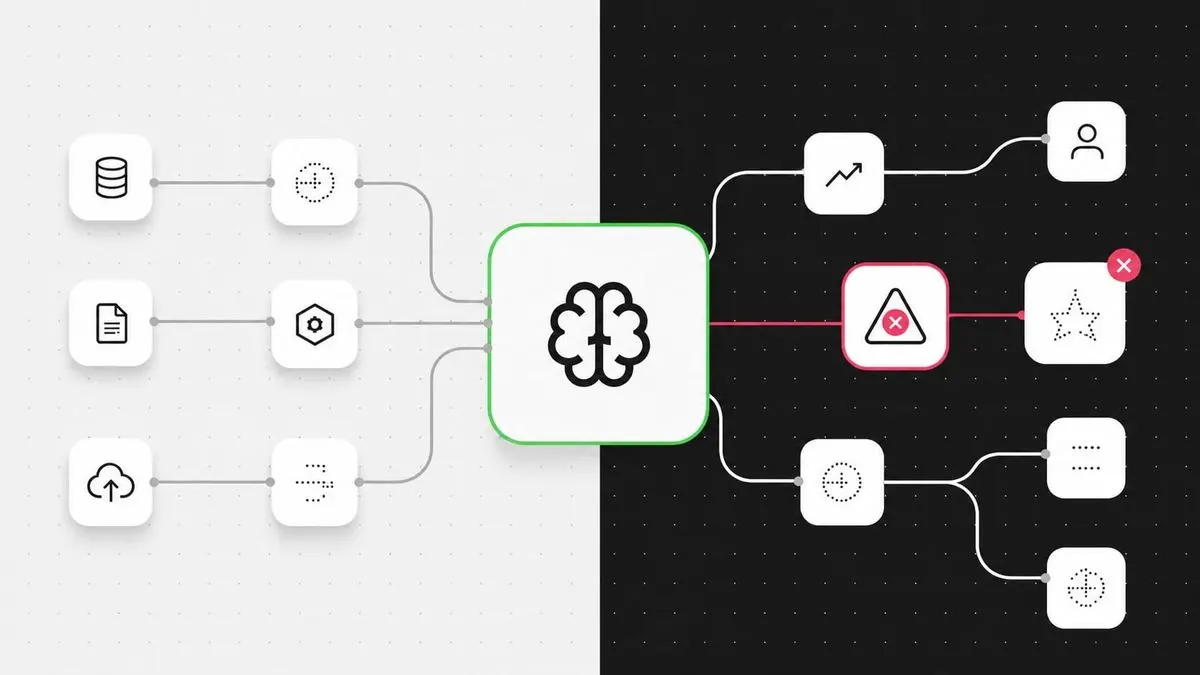
If you've ever built something with AI and felt that sinking feeling when it breaks days later, you're not alone. The rush of launching an AI-powered solution is intoxicating. But the real test comes when things go wrong, and unfortunately, most AI tools don't prepare users for what happens when their shiny new automation starts falling apart.
This isn't a new problem for software builders. In fact, it's a classic challenge known as a "Day 2 Problem" - the long-term issues that emerge after the initial excitement of planning (Day 0) and building (Day 1) are over.
The Invoice Nightmare That Could Happen to You
Meet Dave, a marketer-turned-automation-enthusiast working at a 100+ person company. Dave isn't an engineer, but he's always experimenting with AI tools, showing his finance team how to solve problems they didn't even know existed.
Dave's solution? An AI automation that scans incoming PDF invoices, extracts key data like vendor names, dates, and amounts, and uploads everything automatically. It even flags suspicious entries. The team is impressed, and Dave's boss hints at a promotion.
Tuesday: Disaster strikes. Three invoices post with incorrect amounts. Dave scrambles to investigate, but his automation shows only "Automation complete" - no audit trail, no version history. He finds and fixes the bug, but then discovers the fix breaks something else. Worse, there's no way to roll back to the previous version.
Dave spends the afternoon rebuilding everything from scratch and triple-checking before going home.
Wednesday: While Dave's stuck in meetings, the automation platform requires an update. It just needs a reset, but now Dave has to choose between interrupting his workflow or potentially losing all his work again.
Why AI Automations Fail When You're Not Looking
The core issue isn't that AI is unreliable - it's that most no-code AI platforms treat automations like disposable scripts rather than maintainable systems. When you're building invoice processing workflows or any other productivity automation, you need three critical features that most platforms ignore:
- Audit trails: Every step should log what the AI did and why
- Version control: Ability to roll back changes when something breaks
- Manual override: Human intervention options when AI confidence is low
Building Invoice Processing That Actually Works
Here's how to create robust AI automation for invoice processing that survives real-world usage:
Step 1: Choose Platforms with Visibility
Instead of black-box AI tools, opt for platforms that provide transparency. Make.com and Zapier offer detailed logs showing exactly what happened at each step. For invoice processing specifically, tools like OCR tools combined with LLM processors give you control over data extraction quality.
Step 2: Implement Confidence Thresholds
Never let your automation run completely autonomously on financial data. Set confidence thresholds - if the AI is less than 90% confident in an extracted amount, route it for human review. This prevents costly errors while still automating the majority of straightforward invoices.
Step 3: Build Incremental Testing
Test with batches of 10-20 invoices first, not hundreds. Compare AI-extracted data against manual verification to measure accuracy rates. Tools like Airtable make excellent staging grounds for this validation process.
Step 4: Document Everything
Create simple documentation explaining what each part of your workflow does. When Dave's replacement needs to troubleshoot, they shouldn't have to reverse-engineer the entire system. Google Docs or Notion work fine for this - the goal is clarity, not perfection.
Workflow Optimization Beyond Just Saving Time
True workflow optimization isn't just about replacing manual tasks - it's about creating systems that improve over time. Here's how to think bigger:
Batch Similar Tasks
Instead of processing invoices immediately as they arrive, collect them in batches. This allows your AI to learn patterns across multiple documents and reduces API costs significantly.
Integrate with Existing Tools
Your invoice automation should connect seamlessly with your existing stack. Whether you're using QuickBooks, Xero, or enterprise solutions like SAP, ensure your workflow integrates directly with these platforms through proper APIs rather than manual copy-paste steps.
Monitor and Iterate
Set up simple dashboards tracking key metrics: processing time per invoice, error rates, and cost per document. Tools like Google Sheets with automated data feeds can provide surprisingly effective monitoring without requiring dedicated BI software.
Making Money While Solving Real Problems
If you're thinking about turning your automation skills into income, invoice processing is a goldmine opportunity. Here's why:
Small businesses spend an average of $20-40 per invoice on manual processing. By automating this with AI, you can charge $5-15 per invoice while still delivering huge value. Platforms like Fiverr and Upwork have thriving markets for invoice automation services.
You can also package your solution as a product. Sell templates on Gumroad or create subscription services offering ongoing maintenance and optimization. The key is positioning yourself as someone who solves Day 2 problems, not just Day 1 excitement.
The Real Skill Isn't Building - It's Maintaining
Anyone can build an AI automation that works once. The real skill - and the real money - comes from creating systems that keep working reliably over time. This means thinking like a product manager, not just a builder.
When you approach workflow optimization with maintainability in mind, you'll find clients willing to pay premium rates for solutions that actually last. The invoice processing example? It's just the beginning. Every business has dozens of repetitive tasks that could benefit from smart automation.
The difference between a hobbyist and a professional isn't the ability to make AI do cool things - it's the discipline to build systems that survive contact with reality. Start small, document everything, and always plan for when things break. Because they will.
To scale this process across different document types, these real-world AI monetization case studies show how to package automation as a service.