Automating Business Workflows with Google Apps Script and AI
The New Frontier of Micro-SaaS: Monetizing Business Automation with AI
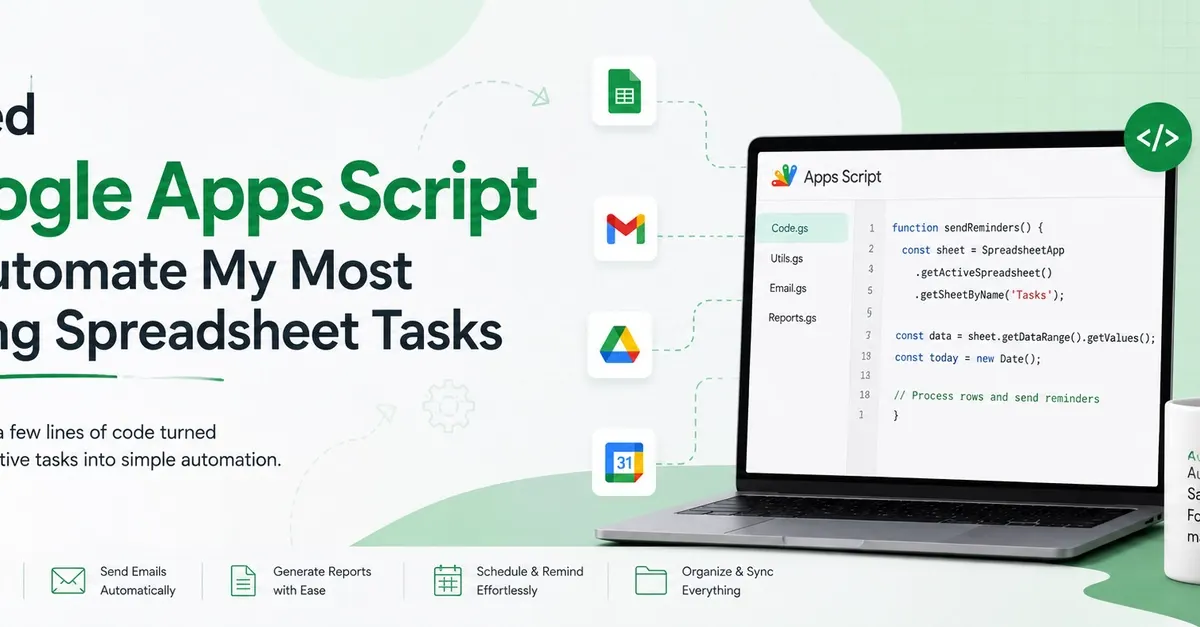
For many aspiring digital entrepreneurs, the barrier to entry for building software has always felt insurmountable. The traditional path required years of studying computer science, mastering complex backend architectures, and managing expensive server costs. However, a massive shift is occurring. The convergence of automation, cloud-based productivity suites, and ai-coding tools has opened a lucrative window for "micro-SaaS" developers and freelance automation consultants.
You no longer need to build the next Facebook to generate significant income. Instead, you can solve specific, painful problems for small to medium-sized businesses (SMBs) by automating their existing workflows within the tools they already use every day: Google Workspace.
The Power of Google Apps Script in the Modern Economy
At the heart of this opportunity lies google-apps-script. This is a cloud-based scripting language based on javascript that allows users to extend the functionality of Google Sheets, Gmail, Drive, Calendar, and Docs. While many see Google Sheets as a simple way to track data, for a developer, it is a powerful relational database and an execution engine for business logic.
The beauty of this ecosystem is that it requires zero infrastructure. You do not need to set up a database, manage API keys for hosting, or worry about server uptime. Everything runs on Google's infrastructure. By mastering this environment, you can build high-value solutions such as:
- Automated Reporting Engines: Pulling data from various sheets and generating polished PDF reports in Google Docs.
- Custom CRM Systems: Using Google Sheets as a lightweight CRM that automatically sends follow-up emails
- Inventory Management: Automatically updating stock levels and triggering alerts when items run low.
- Workflow Orchestrators: Moving files between folders in Drive and creating calendar events based on spreadsheet entries.
How to Turn Scripting into a Profitable Service
There are three primary ways to monetize your ability to write automation scripts. Each path offers different scalability and income potential.
1. High-Ticket Freelancing (Upwork and Fiverr)
Clients on platforms like Upwork and Fiverr are constantly searching for "Google Sheets automation" or "Javascript developer for Google Workspace." Businesses often have manual, repetitive tasks that eat up hours of employee time. They are willing to pay anywhere from $50 to $500 for a single script that solves a specific problem.
A successful strategy here is to specialize. Instead of being a generalist, position yourself as an "Automation Expert for Real Estate Agents" or "Workflow Consultant for E-commerce Brands." By narrowing your niche, you can charge premium rates because you understand the specific industry context.
2. Building and Selling Micro-SaaS Templates (Gumroad)
If you prefer passive income over client work, you can build "ready-to-use" automation systems. For example, you could build a comprehensive "Automated Project Management Dashboard" for small agencies. You can package the Google Sheet, the attached scripts, and a video tutorial into a digital product and sell it on Gumroad.
This model allows you to build once and sell infinitely. The key is to solve a universal problem that requires minimal setup for the end user.
3. Retainer-Based Automation Consulting
The most stable income model is the retainer. Instead of a one-off project, you offer businesses a monthly subscription to manage, update, and optimize their productivity workflows. As their business grows, their automation needs become more complex. Being the person who "owns" their digital workflow makes you an indispensable asset.
Overcoming the Technical Hurdle with AI-Coding
The biggest challenge in this field isn't writing the first ten lines of code; it's debugging. When a script fails to trigger or hits a Google service quota, the frustration can lead to "context switching"—the productivity killer where you jump between your code editor and an AI chatbot to find answers.
This is where ai-coding assistants change the game. Previously, the workflow involved copying a broken function, pasting it into a chatbot, explaining the entire project context, and then manually porting the fix back. This process is slow and prone to error.
Modern AI tools integrated directly into the development environment allow you to work with the full context of your project. Instead of generic answers, you can ask specific, high-level questions like:
- "Why is this trigger failing to update the status column in my spreadsheet?"
- "Can you optimize this javascript loop to avoid hitting Google's execution time limits?"
- "Refactor this function to handle errors if the Gmail service is temporarily unavailable."
By reducing the friction between identifying a bug and implementing a solution, you significantly increase your hourly output. This allows you to take on more clients or spend more time developing your own products.
A Roadmap to Getting Started
If you are starting from scratch, do not attempt to build a complex enterprise solution immediately. Follow this progression to build your skills and your portfolio:
- Master the Basics: Learn the fundamentals of javascript. You don't need to be a software engineer, but you must understand variables, loops, and conditional logic.
- Learn the Google Services: Study the specific syntax for
SpreadsheetApp,GmailApp, andDriveApp. These are the building blocks of your value proposition. - Build a "Proof of Concept" Portfolio: Create three simple automations (e.g., an automated email sender, a data cleaner, and a calendar event creator). Host these in a public Google Drive folder to show potential clients.
- Leverage AI for Speed: Use AI tools to assist with debugging and code optimization, but always ensure you understand what the code is doing. Clients pay for reliability, not just code.
- Launch on Freelance Platforms: Start with small, low-priced jobs on Fiverr to gather reviews, then migrate to Upwork to hunt for higher-value contracts.
The era of the "solo-preneur" is being fueled by automation. By combining the ubiquity of Google Workspace with the intelligence of modern AI, you can build a highly profitable business with almost zero overhead.