Automating Business Processes with RPA and APIs
Building a B2B automation service by solving data silos
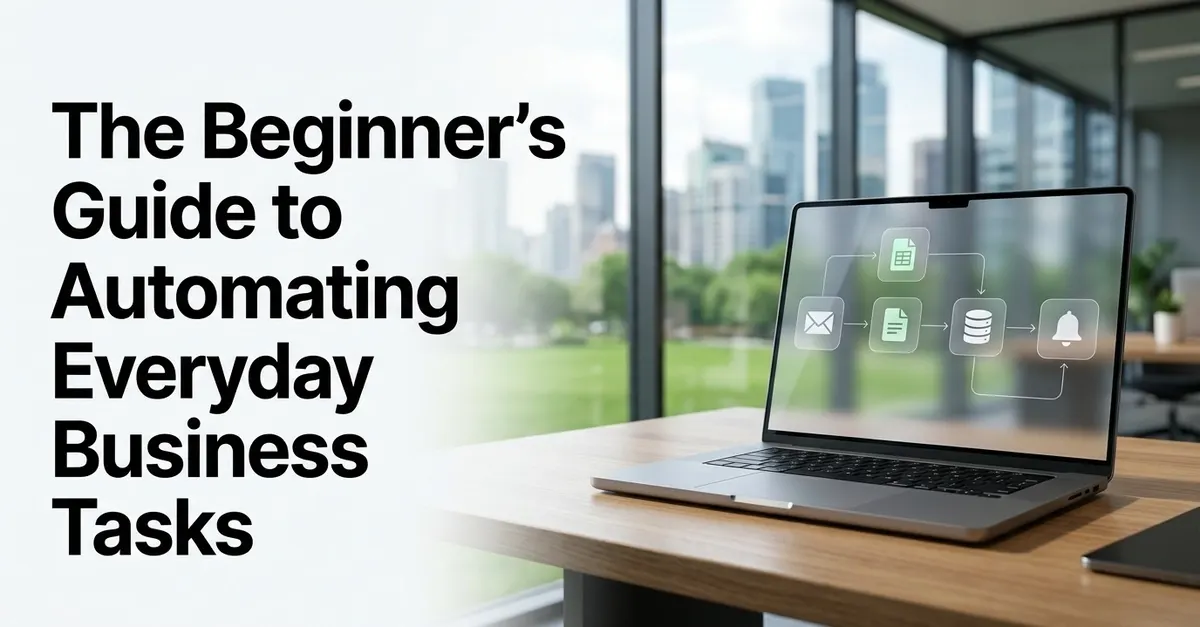
To sell automation services, you must stop selling "AI" or "RPA" and start selling "hours recovered." Most businesses do not want a complex software architecture; they want the 45 minutes an administrative assistant spends every morning moving CSV files from an email attachment into a legacy ERP system to disappear. You build this by identifying high-frequency, rule-based workflows and connecting them using the simplest tool possible—usually an API-first integration rather than heavy Robotic Process Automation (RPA).
Who is this service for and what are the costs?
This model is designed for freelance practitioners targeting small-to-medium enterprises (SMEs) in sectors like logistics, real estate, or professional services (accounting/law). These industries rely on "messy" data—spreadsheets, PDFs, and old desktop software—that doesn't talk to modern web apps.
Target Client Profile: Companies with 10–50 employees where a "manager" or "coordinator" is spending at least 5 hours a week on manual data entry or file movement.
Projected Cost Breakdown (Case-based estimates):
- Development Time: 10–30 hours per workflow. This includes discovery, mapping the logic, building the integration, and error-handling testing.
- Software Overhead: $30–$150 per month for middleware (e.g., Make.com or Zapier) and API
- Service Pricing: I have seen freelancers charge a $1,500–$3,000 setup fee per workflow, plus a $200–$500 monthly maintenance retainer to ensure the automation doesn't break when a software provider updates their UI.
Risk Warning: Automation is high-stakes. If you automate a process that incorrectly updates a client's billing or inventory, the cost of your error could exceed your entire contract. Always implement "Human-in-the-loop" (HITL) checkpoints for sensitive data.
How to identify a high-value workflow
- High Frequency: It happens daily or weekly, not once a month.
- Standardized Input: The data arrives in a predictable format (a specific email subject line, a standard Google Form, or a specific CSV structure).
- Rule-Based: There is no "gut feeling" involved. If the value is >$500, send to Manager A; otherwise, send to Manager B.
- Low Exception Rate: If the process requires a human to "interpret" the meaning of a sentence 50% of the time, it is not ready for basic automation.
The Discovery Workflow:
The technical implementation stack
I avoid using heavy RPA (like UiPath) for initial B2B freelance work unless the client specifically uses legacy desktop software that has no web presence. RPA is expensive, brittle, and difficult to maintain. Instead, follow this hierarchy of complexity:
- Native Integrations: Check if the two apps already talk to each other (e.g., Slack and Google Calendar).
- API-First Middleware: Use Make.com (formerly Integromat) or Zapier. These platforms allow you to connect hundreds of web apps using their APIs. Make.com is generally better for complex logic and lower costs, while Zapier is easier for simple, linear tasks.
- Custom Scripts: If a middleware tool cannot handle a specific data transformation, write a small Python script or a Google Apps Script to clean the data before it hits the destination.
- RPA (The Last Resort): Use tools like BrowserFlow or Microsoft Power Automate Desktop only when you must interact with a website that lacks an API or a piece of software that only exists as a Windows installation.
Where I hit a wall: The "Silent Failure" trap
Early in my practice, I built a workflow that took attachments from an email, parsed the data, and uploaded it to a client's CRM. It worked perfectly for three weeks. Then, a vendor changed their invoice format slightly—adding a new column and changing a date format from DD/MM/YYYY to MM/DD/YYYY.
The automation didn't "crash." It kept running, but it pushed incorrect, garbled data into the CRM. Because there were no error alerts, the client didn't notice for a month. By then, their sales reports were ruined.
The Lesson: Every automation must have an error-handling branch. If a step fails or if the data doesn't match your expected pattern (using a "Regex" or a validation step), the automation must stop and send a notification to a Slack channel or an email. Never assume "No news is good news."
Comparison of automation methods
Choosing the wrong method is the fastest way to kill your profit margins through endless support requests.
- API Integration (The Gold Standard): Connects apps directly
- RPA (The Brute Force): Mimics a human clicking on a screen. It is highly fragile; if a button moves 10 pixels to the left, the bot breaks. Use this only for legacy desktop software.
- AI Agents (The Reasoning Layer): Uses LLMs (like GPT-4o
When NOT to use automation
Do not attempt to automate a process if:
- The process is still changing: If the client is currently redesigning their sales funnel, your automation will be obsolete before you finish building it.
- The cost of error is catastrophic: If a single wrong digit could result in a massive legal fine or a physical safety issue, keep a human in the driver's seat.
- The ROI is negative: If an employee spends 10 minutes a week on a task, do not spend 20 hours building a $2,000 solution. The math simply doesn't work for the client.
To scale your automation agency, you might want to review these real-world AI monetization case studies for additional strategic inspiration.